Lamplit Room Timer
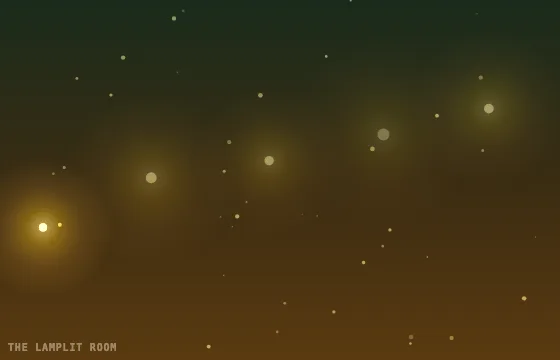
This animated timer pairs a countdown with warm, slowly pulsing lamp halos and drifting points of light. Use it for quiet focus sessions, evening study, or a cozy waiting screen. The open green-to-amber field stays visible around the digits, with a soft shadow to keep them legible.
What is a lamplit room timer used for?
- ✓Quiet study and focus sessions
- ✓Evening reading or wind-down routines
- ✓A warm waiting screen for small events and video calls
- ✓Short breaks where a soft visual cue is more useful than a plain background
How it works
- 1
Choose a duration
Set the countdown length in the timer settings or from a shared timer link. The lamp halos pulse and motes drift while the countdown runs.
- 2
Start the countdown
Press Start and place the page where it is easy to see. Use fullscreen for a larger room display, or copy the configured URL for another screen.
Frequently Asked Questions
Does the Lamplit Room timer respect reduced motion?
Yes. When your device requests reduced motion, EasyTimer.app draws a still scene. The animation also pauses while its browser tab is hidden.
Can I change the timer duration and digit style?
Yes. Use the timer settings to choose a duration, font, digit size, digit colour, and end chime. The illustrated background itself stays fixed.
Why does this scene have its own page?
The Canvas animation is loaded only by the Lamplit Room route. Other timer pages do not need to download or run its scene code.
Can I use the page in fullscreen?
Yes. Start the timer, then use its fullscreen control to make the scene and countdown fill the available display.
Related timers
More timers
Set any duration on the homepage timer.
Short (10–25 min)
Long (30+ min)
By use case
- Classroom
- Stream
- Presentation
- Fullscreen
- OBS Timer
- Interval
- Tabata
- Relax
- Lamplit Room
- Happy Cat
- Playful Cat
- Black Cat
- Airplane
- Paper Plane
- Flight Path
- HIIT
- Date Countdown
Need a section-by-section agenda timer? Open the presentation timer.